A MacBook Pro user running macOS Tahoe on an M3 Max chip has experienced persistent system freezes since installing the operating system nearly a year ago.
The freezes manifest as a spinning beach ball and an unresponsive trackpad, lasting only a few seconds but occurring dozens of times per hour on the worst days. The interruptions have significantly reduced the user’s productivity.
Activity Monitor consistently showed CPU spikes in the “core spotlight” task followed by kernel spikes. Restarting provided only temporary relief before the problem returned.
Initial assumptions pointed to indexing, but the issue persisted far beyond a normal indexing period. Subsequent system updates failed to resolve it for more than a few days at a time.
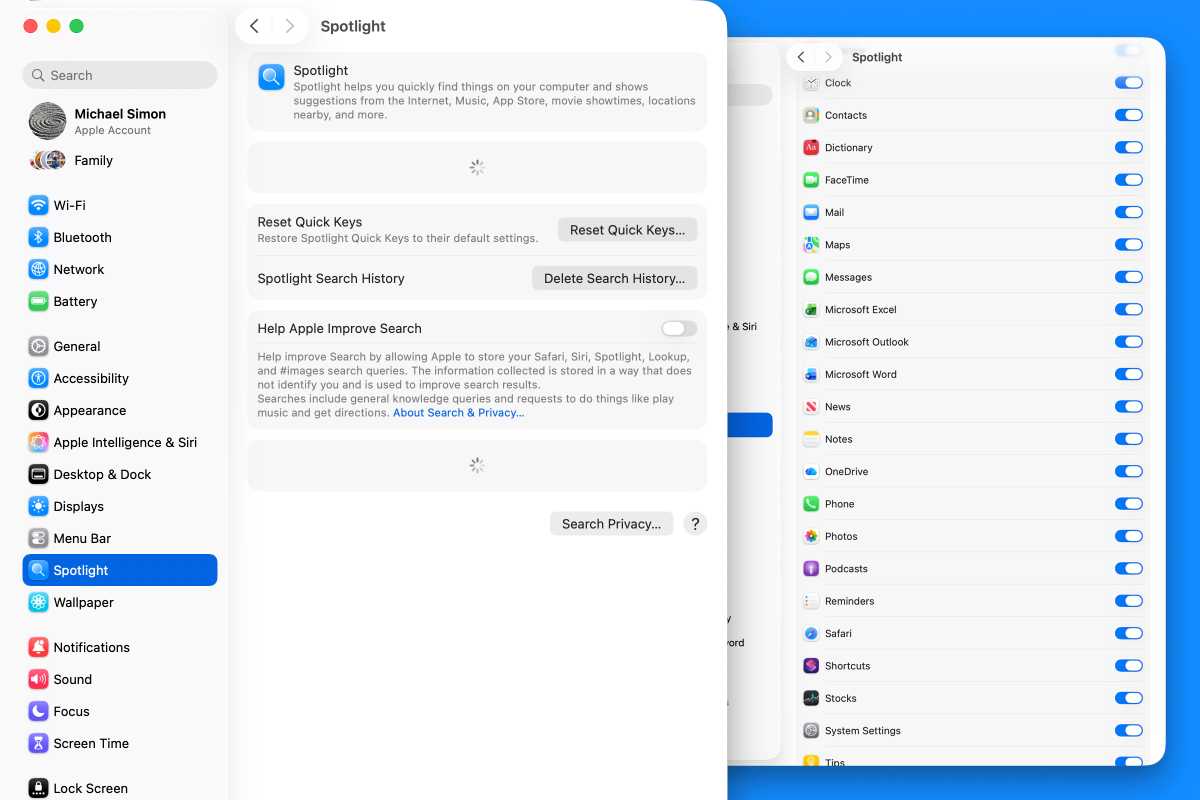
Disabling certain Spotlight toggles helped briefly, but the freezes returned within a month. Spotlight cannot be fully disabled through standard settings without advanced Terminal commands.
The problem worsened following the installation of macOS 26.5 and appeared linked to Pages using iCloud as storage. A colleague reported similar Spotlight and Pages conflicts.
At its peak, the Spotlight settings panel itself failed to load. Attempts to exclude Pages and its documents from search, and even the entire drive, did not stop the freezes.
Neither minor system updates nor full privacy exclusions resolved the issue. The user prepared to erase the device before exploring the system library.
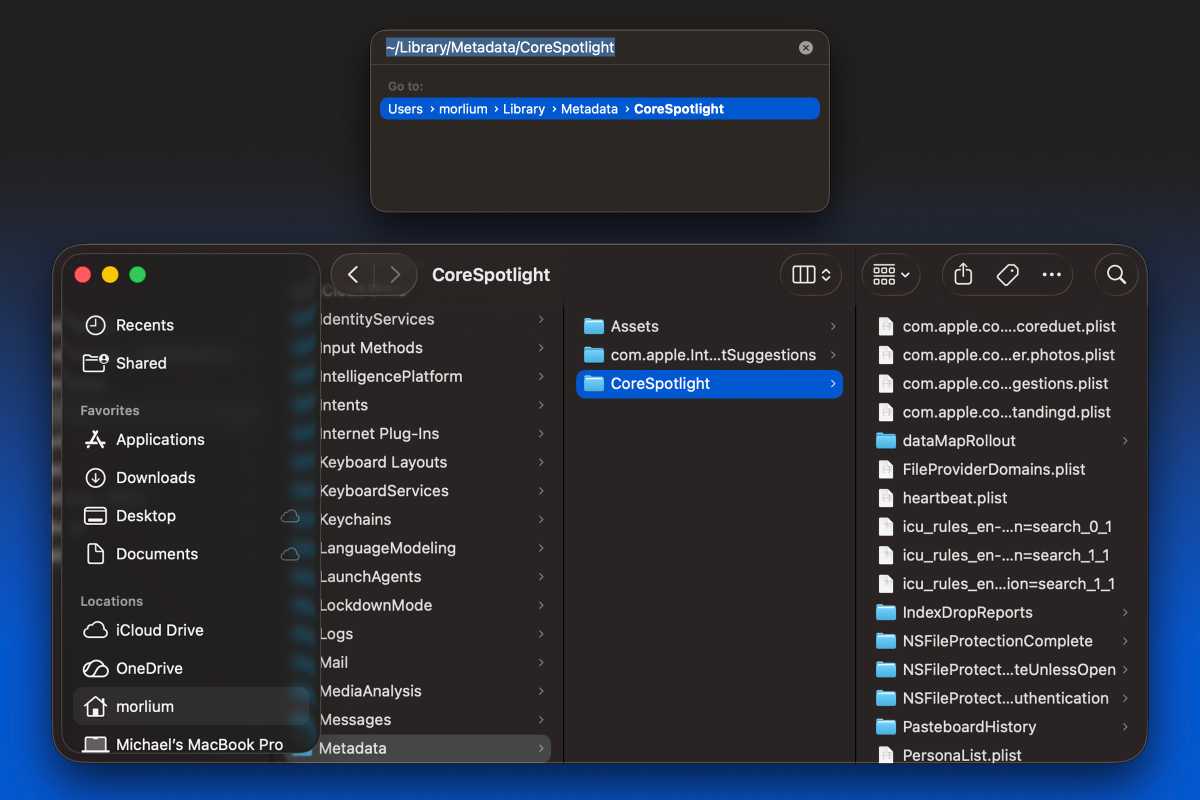
The folder ~/Library/Metadata/CoreSpotlight contained nearly 10,000 files and over 2GB of data. The user deleted the entire folder and emptied the trash.
Two weeks after deletion, the MacBook has shown no freezes, pauses, or stutters. All Spotlight features were re-enabled without recurrence.
The system has remained stable for the first time since the Tahoe installation. The user now anticipates a smoother experience with the next macOS release.