
Microsoft has quietly introduced a new photo‑management tool called OneDrive Photos (beta) to Windows 11 PCs. The app offers a streamlined gallery and a new “People” section that prompts users to identify faces in their photos, while trimming many of the editing features found in the original Windows Photos app.
The addition is not part of the Windows Insider program or any public announcement, yet it appears to install automatically on some machines. It is a compact version of the Photos app that focuses on organizing images rather than editing them.
According to a company statement, OneDrive Photos is currently generally available and a preview gallery is offered to Windows Insiders in the experimental channel. Face grouping is visible only to the account owner, users can opt out at any time, and facial data is deleted after 30 days. Microsoft plans to collect feedback from insiders before a broader rollout.
Despite the lack of an official release, the app has been found on non‑Insider PCs, including the author’s work laptop. The author has requested further clarification from Microsoft.
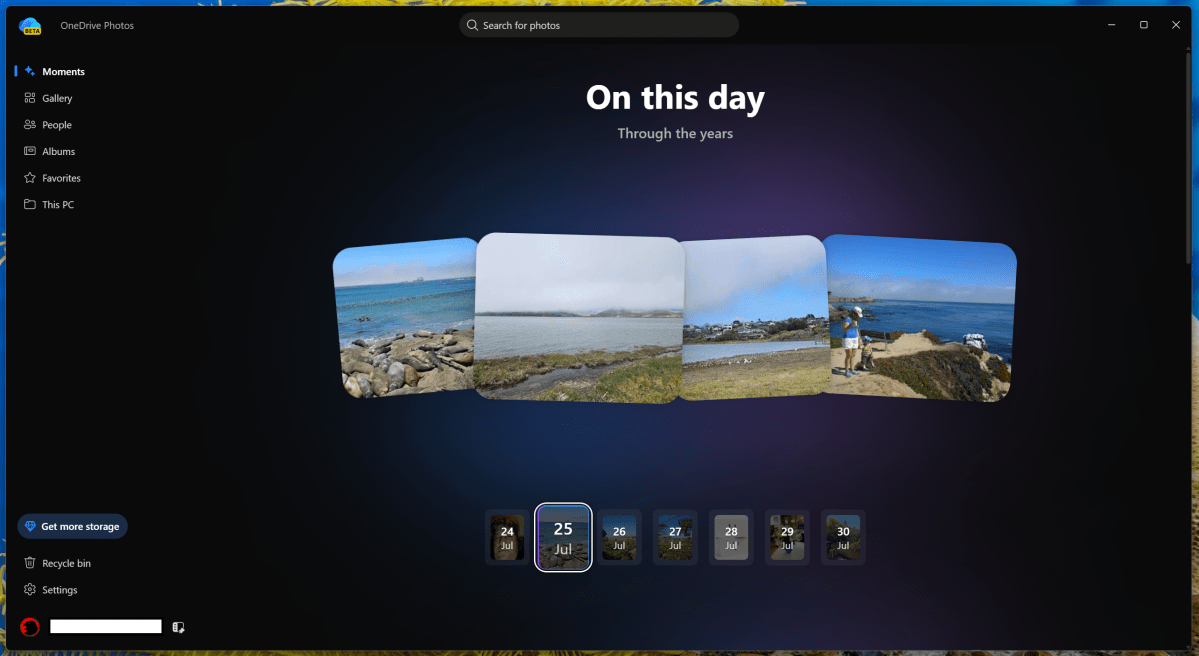
The interface of OneDrive Photos mirrors the original app’s layout but with a pared‑down menu that includes Moments, Gallery, People, Albums, Favorites, and This PC. Moments displays photos taken on a specific day across years; Albums group themed images; Favorites highlights selected photos; and This PC links to the OneDrive folder on the device.
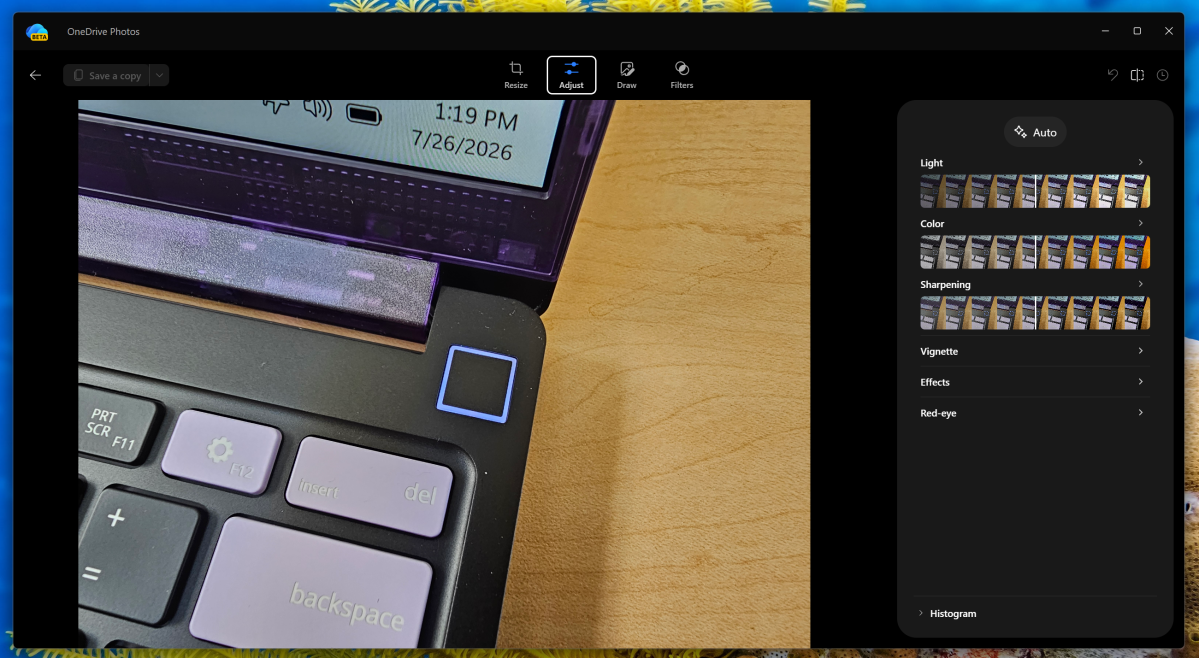
Editing tools have been reduced compared to the full Photos app. While basic crop and background removal remain, more advanced AI‑driven adjustments and the Image Creator shortcut are absent. This suggests a shift toward a lighter, more focused experience.
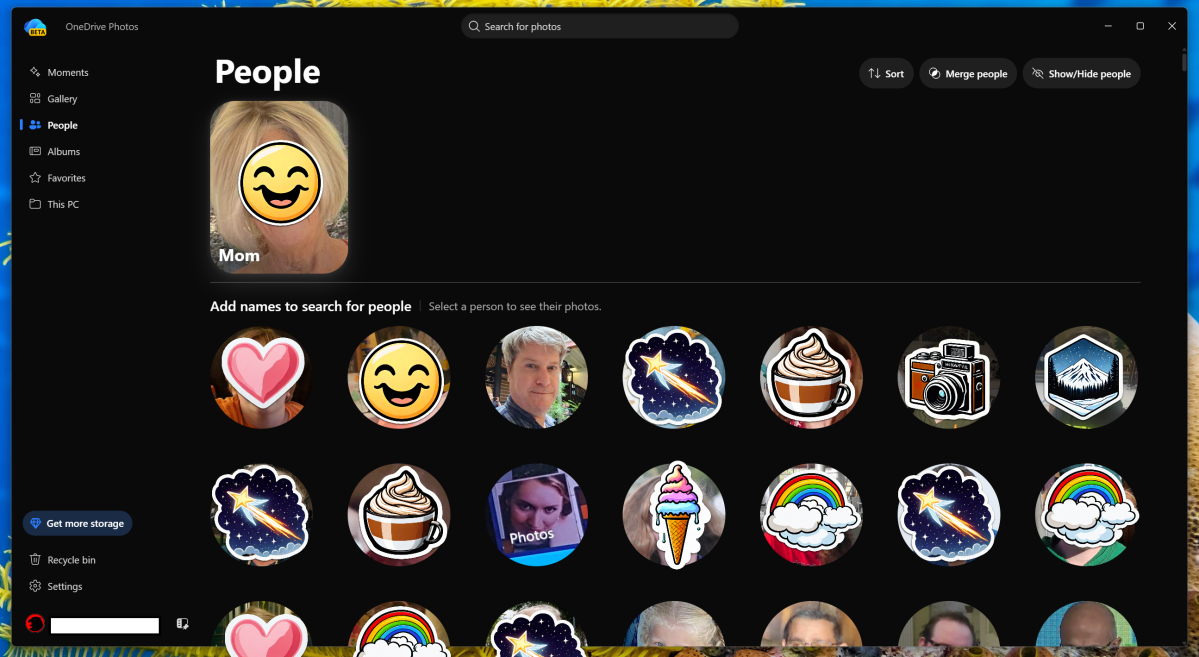
The People tab collects faces detected in photos and offers to group them by frequency. Users can assign names, merge duplicate faces, or hide unwanted ones. The feature operates locally and does not share data outside the device.
Search capabilities for scenes and objects, such as “beach” or “white car,” remain intact. Users can still filter photos by keywords or specific visual elements.
Privacy concerns arise from the app’s insistence on identifying individuals. The feature parallels Google Photos’ family‑tree approach, prompting users to provide personal details that may feel invasive. The app’s opt‑out option and 30‑day data retention aim to mitigate these worries.
Neither OneDrive Photos nor the original Photos app includes a direct link to the encrypted Personal Vault, and the new “Identity” section remains largely unpopulated. Users who need secure storage may still rely on the separate Personal Vault feature accessed through the OneDrive mobile app.
Ultimately, the decision to use OneDrive Photos hinges on balancing convenience against privacy. Users can choose to ignore the app’s prompts and continue managing photos with the traditional Windows Photos tool.


