You’ve invested in the stunning iPad Pro, captivated by its vibrant display. But a nagging question arises: is the $299-$349 Magic Keyboard truly worth it? It’s not simply a case; it’s a complete reimagining of what your tablet can be, transforming it into a powerful, laptop-class machine.
The frustration for many iPad Pro users is hidden in plain sight. That gorgeous OLED screen, perfect for artists and film lovers, is often obscured by the on-screen keyboard when typing. Half the display vanishes with every tap, hindering productivity. The Magic Keyboard solves this instantly, eliminating the software keyboard and unlocking the full potential of your 11- or 13-inch display.
This isn’t just about screen real estate. The Magic Keyboard boasts a build quality that rivals Apple’s MacBook line. Backlit keys, a dedicated function row, and a refined scissor mechanism deliver a typing experience that surpasses anything else available for the iPad Pro. It’s a noticeable leap forward in comfort and efficiency.

Beyond the keys lies a premium trackpad, now crafted from glass and offering subtle haptic feedback. This isn’t the basic trackpad of previous models; it’s a precision instrument, mirroring the responsiveness of a MacBook. Combined with iPadOS enhancements – a sharper, more precise cursor – navigating and interacting with your iPad becomes remarkably intuitive.
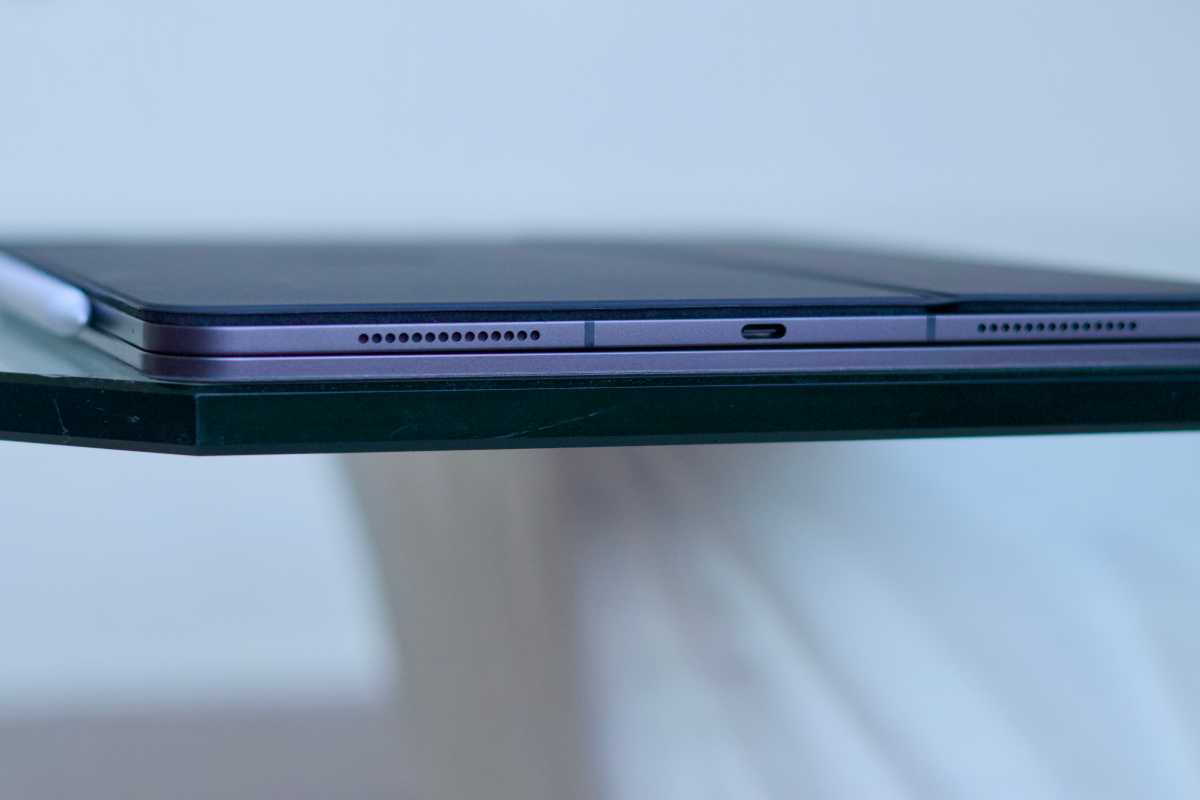
The single Thunderbolt port on the iPad Pro can be a limitation for those relying on wired accessories. Juggling charging and external devices often requires a cumbersome dongle. The Magic Keyboard elegantly addresses this, adding a second USB-C port, providing the connectivity you need without compromise.
Apple’s design philosophy is evident in every detail of the Magic Keyboard. Constructed from aluminum, it seamlessly matches the iPad Pro’s finish, creating a unified aesthetic. The connection feels solid, transforming the two devices into a cohesive whole, rather than separate accessories.
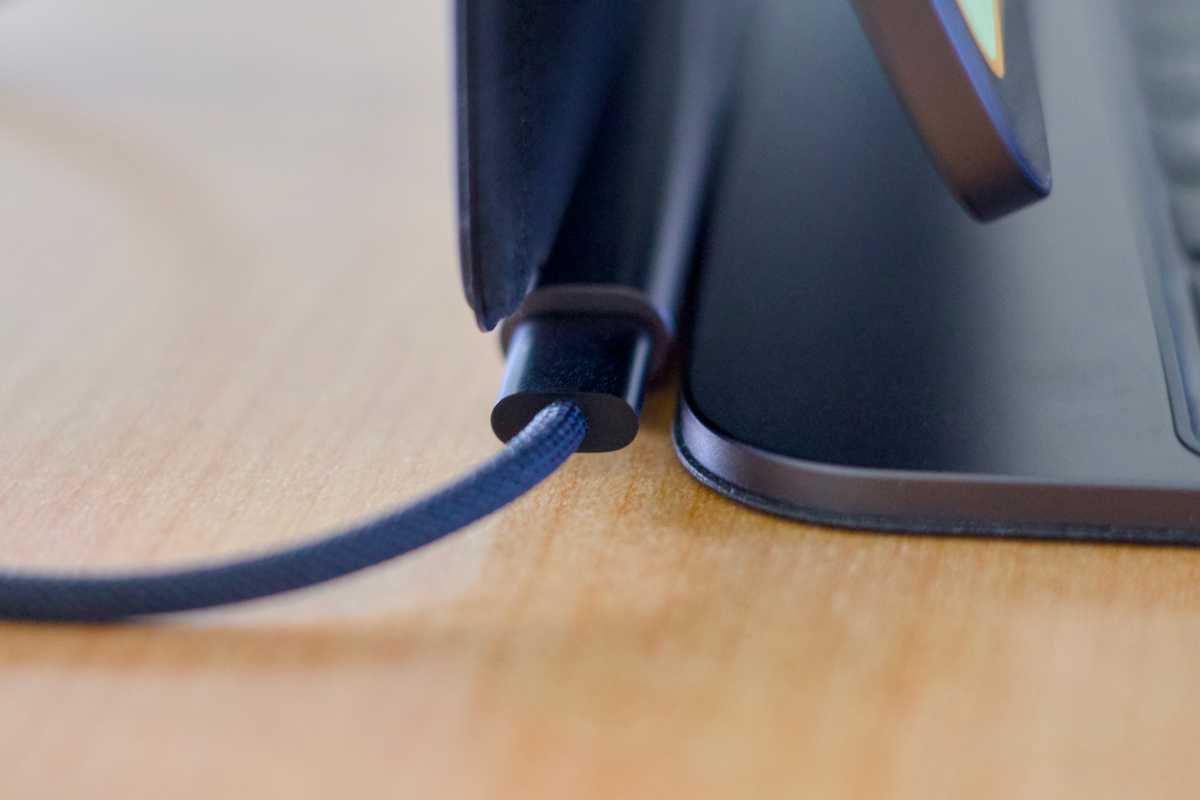
Despite its slim profile, the Magic Keyboard provides surprising stability on any surface. A soft lining protects the iPad Pro’s delicate back, while a versatile hinge allows for effortless adjustments to the viewing angle. It’s a protective case, a kickstand, and a powerful productivity tool, all in one.
True to Apple’s “It just works” ethos, the Magic Keyboard requires zero setup. Simply align your iPad Pro, and the magnetic connection instantly establishes power and communication via the Smart Connector. No Bluetooth pairing, no charging, no latency – just seamless integration.
The magnetic attachment also offers unparalleled flexibility. Detach the iPad Pro instantly when you want the freedom of a tablet, then reattach for laptop-like productivity. It’s as effortless as using MagSafe with your iPhone, adapting to your workflow with remarkable ease.