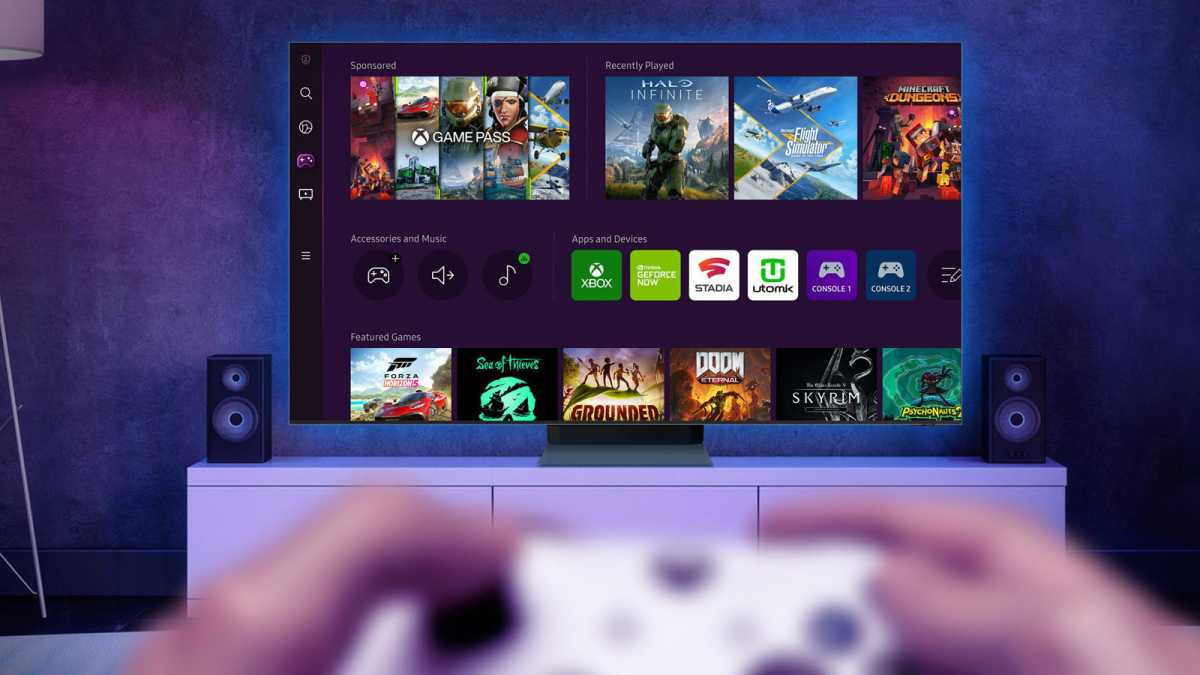
The Steam Deck, Valve’s portable gaming powerhouse, isn’t just for on-the-go adventures. It holds a secret potential: a surprisingly capable living room gaming console. Many assumed the Steam Machine would be Valve’s foray into this space, but the Deck already offers a compelling experience – all it needs is a simple dock.
Unlike Nintendo’s Switch, a dock doesn’t come standard with the Steam Deck. However, adding one instantly transforms the handheld into a familiar, console-like setup. I decided to put this to the test, purchasing Valve’s official dock, and discovered just how easy – and rewarding – it could be to game on the big screen.
The setup is remarkably straightforward. Plug the dock into a power outlet, connect it to your TV via HDMI, and then connect the Steam Deck itself. It’s a seamless transition, mirroring the simplicity of connecting a Switch to a TV. While Valve’s dock is a solid option, numerous third-party alternatives exist at lower price points, offering flexibility for every budget.
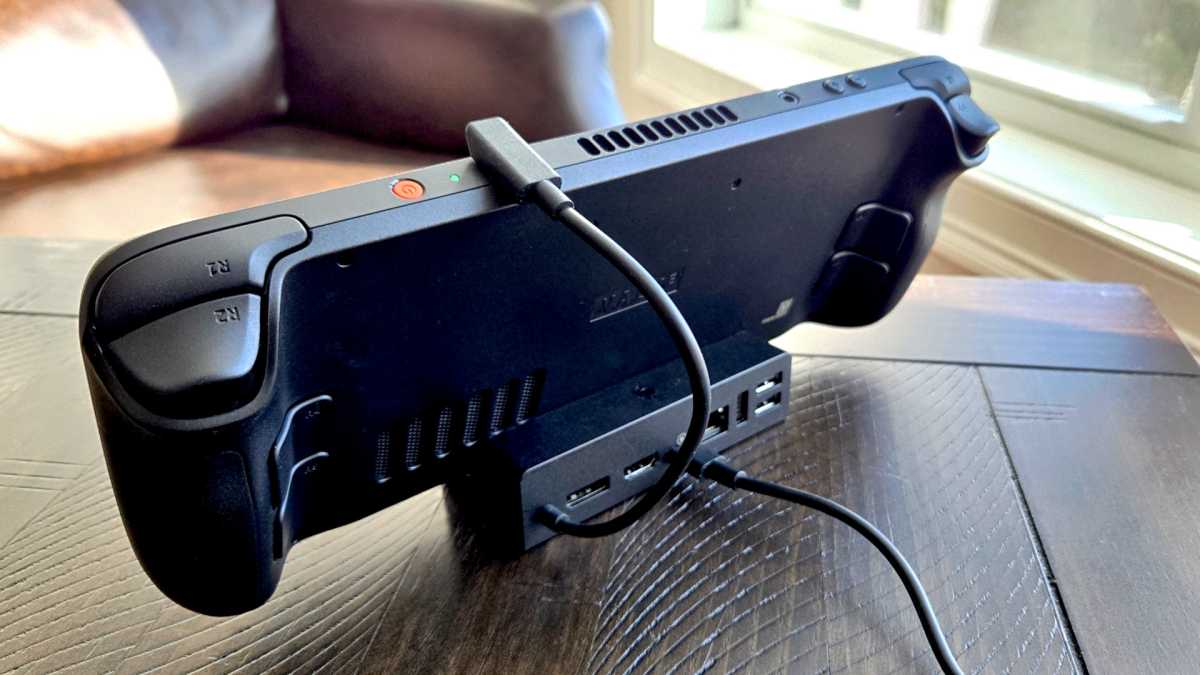
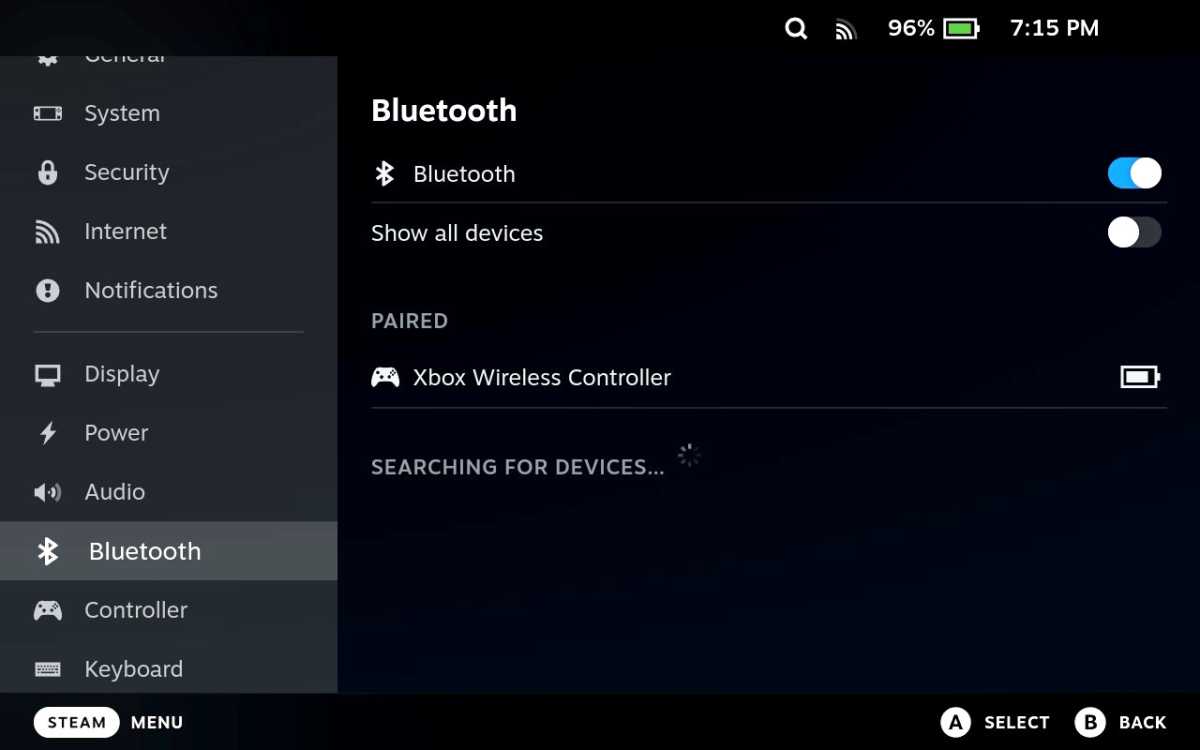
But simply docking the Deck isn’t enough. To truly unlock the living room experience, you’ll want some peripherals. An Xbox controller pairs easily via Bluetooth, though some users have reported occasional latency. Wired controllers, keyboards, and mice offer a reliable alternative, connecting directly to the dock’s USB ports. Bluetooth keyboards and mice also work seamlessly.
One crucial step for optimal performance is activating “Game Mode” on your TV. This setting minimizes input lag, ensuring a responsive and immersive gaming experience. Without it, you might notice a frustrating delay between pressing a button and seeing the action on screen.
The Steam Deck can output resolutions up to 4K, but finding the sweet spot requires some tweaking. While 4K looks impressive, the Deck’s hardware is better suited for 1080p, especially with demanding games. SteamOS’s display system, Gamescope, can be finicky, sometimes locking games to resolutions unsuitable for a larger screen. A simple workaround involves overriding the resolution settings within each game’s properties.
Game streaming, however, proved to be a more inconsistent experience. While streaming from a powerful PC worked well in handheld mode, connecting a Bluetooth controller while docked introduced noticeable stuttering. The performance varied wildly depending on the game engine, with some titles refusing to stream smoothly at all. For reliable streaming, Nvidia GeForce Now offers a more consistent solution.
Despite these minor hurdles, the docked Steam Deck delivers a surprisingly enjoyable experience. Playing games like *Hades* on the couch with a controller feels fantastic, offering a convenient way to enjoy your existing Steam library without repurchasing titles on other platforms. It’s a testament to the versatility of the Deck.
While the Steam Deck excels in handheld mode, the docked experience isn’t quite as polished. Resolution adjustments can be cumbersome, and the overall setup requires more tinkering than a traditional console. However, it hints at a future where a dedicated SteamOS console could truly revolutionize living room gaming. Until then, the docked Steam Deck serves as a compelling, if imperfect, glimpse of that potential.