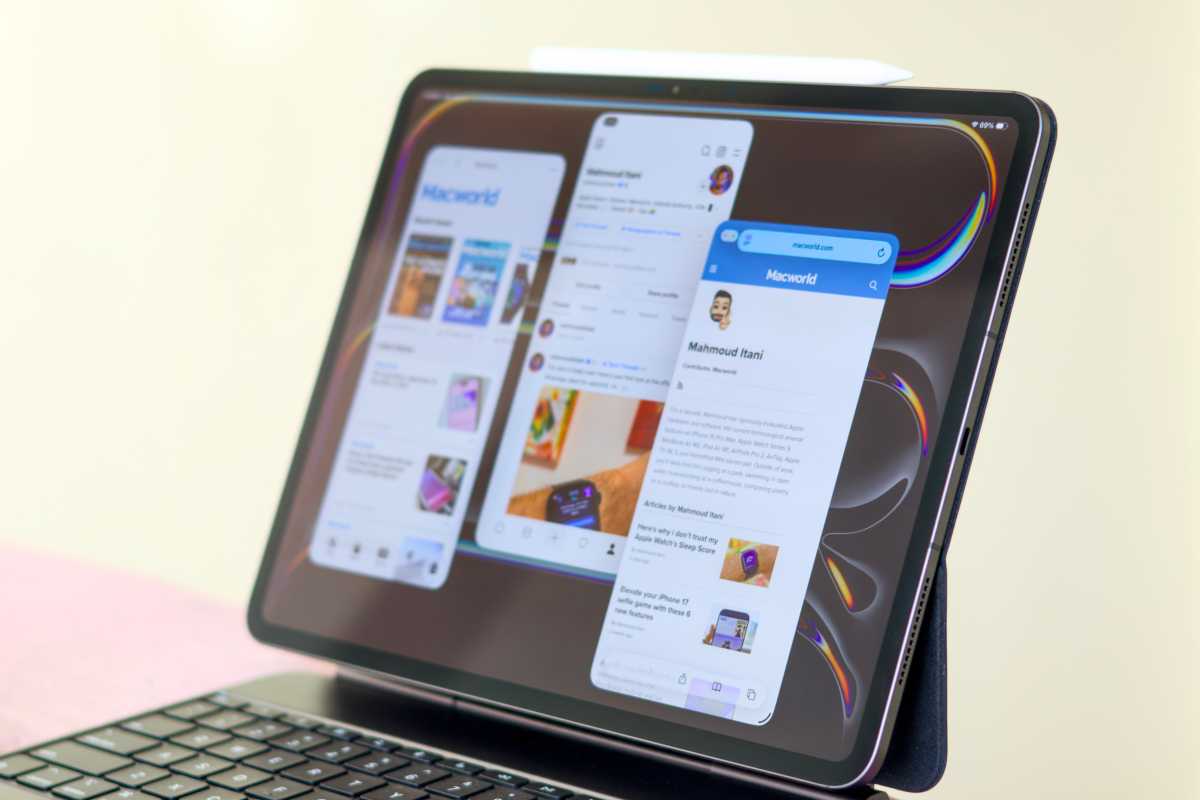
For years, I’ve chased the idea of a truly portable workstation, dreaming of replacing my reliable 13-inch MacBook Air with the sleek promise of an iPad. The hurdle? iPadOS always felt…limited. But with the arrival of iPadOS 26, something shifted. The operating system finally began to bridge the gap between mobile convenience and desktop power, bringing my minimalist vision within reach.
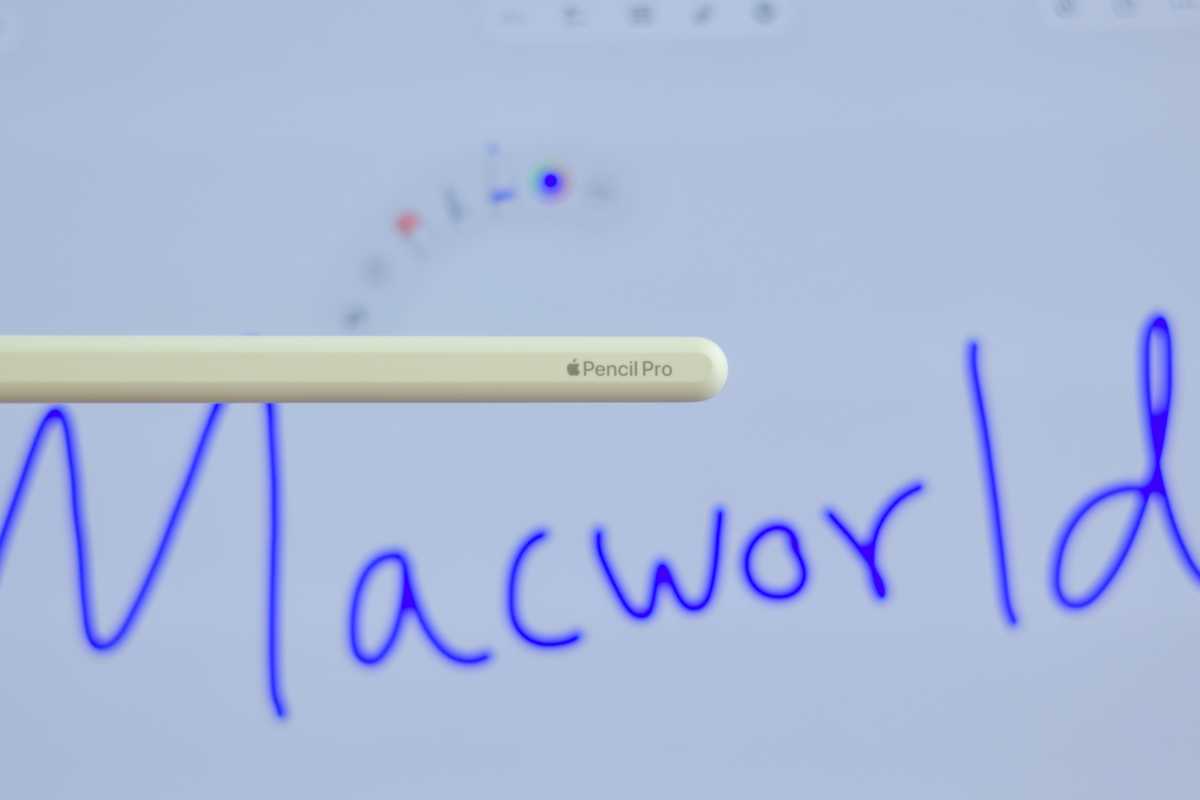
An unexpected opportunity arose when I discovered a deeply discounted iPad Pro M4. Knowing it shared core technology with the newer M5 model, I took the plunge, pairing it with the Magic Keyboard and the Apple Pencil Pro. It was time for a real-world test: could this iPad truly function as my primary work machine?
The first impression was striking. The iPad Pro M4 is undeniably beautiful – lighter, thinner, and more effortlessly portable than the MacBook Air. It’s remarkable how much power is packed into such a slim form factor. The move to Face ID was also a welcome change, proving consistently faster and more reliable than Touch ID.
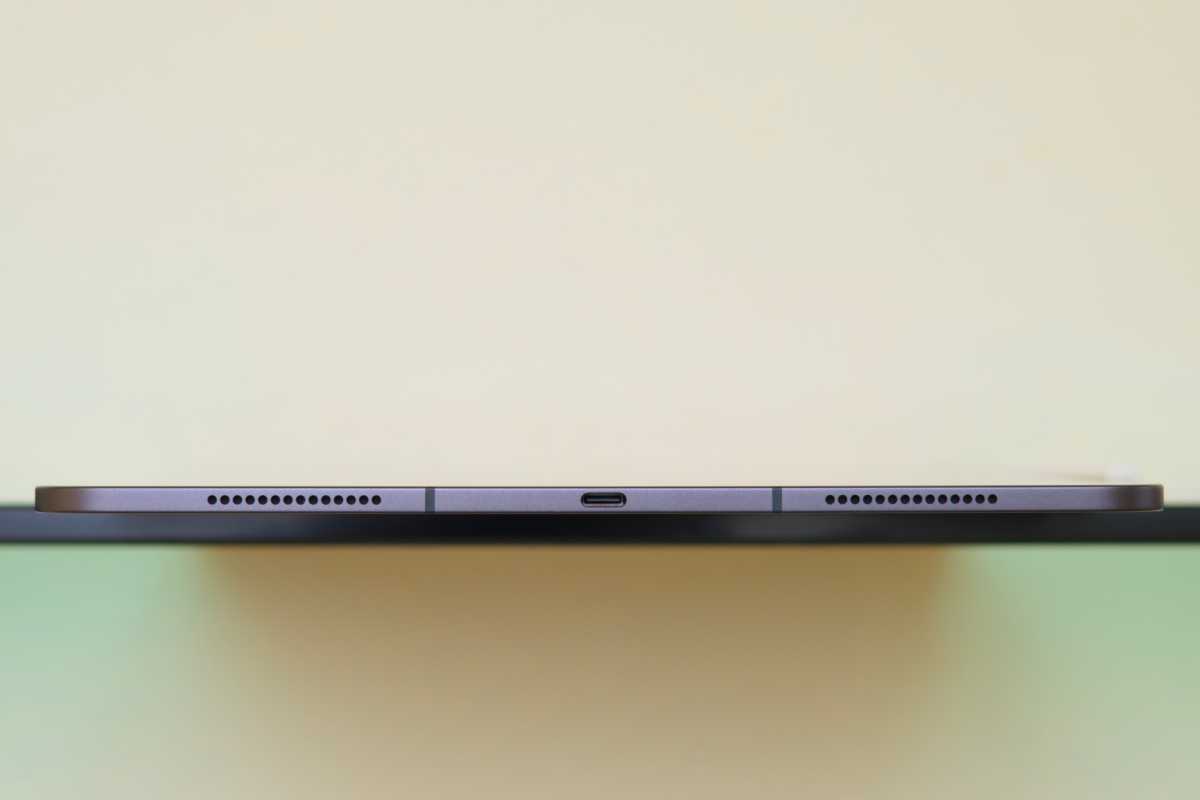
The freedom to detach the keyboard instantly transforms the iPad into a truly mobile device, shedding weight and bulk. However, the lack of a headphone jack is a noticeable inconvenience for those still reliant on wired audio. And while incredibly thin, the iPad’s stability on uneven surfaces like laps or beds can be precarious, and the keyboard hinge doesn’t quite match the natural feel of a MacBook.
The iPad Pro’s OLED screen is a revelation. Sharper, more vibrant, and responsive to both touch and the Apple Pencil, it elevates the entire experience. While I missed the generous trackpad of the MacBook Air, the Magic Keyboard’s trackpad offers a comparable feel, complete with satisfying haptic feedback and comfortable backlighting for extended typing.
Despite the advancements in iPadOS 26, multitasking still lags behind macOS. While opening multiple apps is now easier, the system lacks the seamless efficiency I’m accustomed to. Familiar keyboard shortcuts don’t always translate, and features like the enhanced Spotlight Search with clipboard history remain exclusive to macOS. Simple tasks often require more steps, demanding a frustrating period of re-learning.
Surprisingly, the app ecosystem on iPadOS feels more robust. Many developers prioritize dedicated iPad apps over web-based alternatives, resulting in a smoother, more polished experience. This alone has been a significant improvement, eliminating the frustration of clunky web apps.
One significant drawback is battery life. Despite my MacBook Air M2’s aging battery, it consistently outperforms the brand-new iPad Pro M4 on a single charge. This impacts the iPad’s portability, and the prospect of diminishing battery capacity discourages me from adding a cellular connection. The slim design also contributes to noticeable overheating during demanding tasks.
Ultimately, the iPad Pro M4 has proven itself a capable replacement for my MacBook Air M2. My daily workflow – research, writing, and photo editing – is handled with ease. It’s a functional laptop replacement, and my MacBook is now reserved for specialized tasks like HomePod mini OS recovery. My priorities have shifted; the iPad is my primary machine, and the Mac is now a tool for the uncommon.