The Apple Watch. For many, it’s a sleek fitness tracker, a convenient extension of their iPhone. Notifications appear on your wrist, calls are answered with a tap – a subtle way to stay connected without constantly reaching for your phone. But beneath this familiar surface lies a surprisingly powerful device, brimming with features most wearers never even discover.
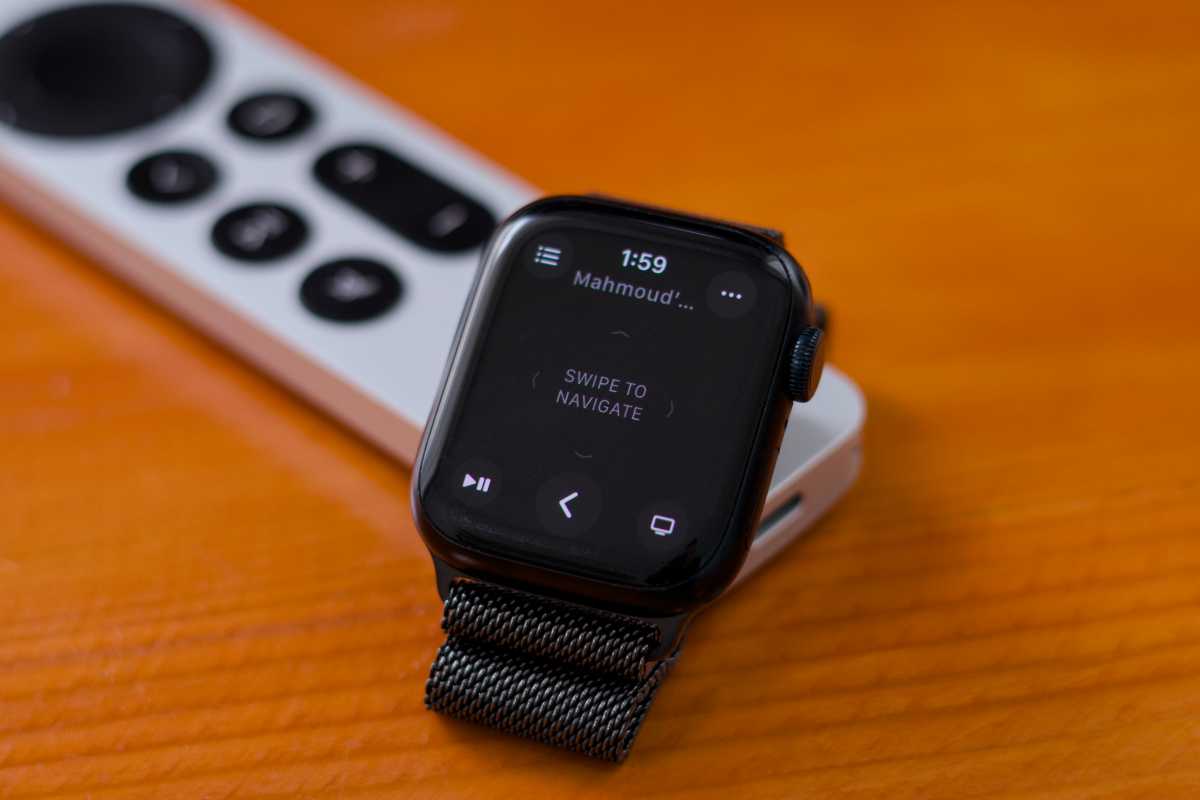
Imagine turning your Apple Watch into a universal remote. Lost the physical remote for your Apple TV? No problem. A dedicated app on your watch grants full control, from navigating menus to adjusting the volume, all from your wrist. This extends beyond entertainment, too – control compatible smart home devices with a simple tap, even when voice commands fail.
Ever frantically searched for a misplaced iPhone? The Apple Watch can help. A quick tap in the Control Center triggers a loud ping from your phone. But here’s a hidden trick: press and *hold* that same button, and your iPhone’s camera flash will strobe, illuminating your lost device even in complete darkness.
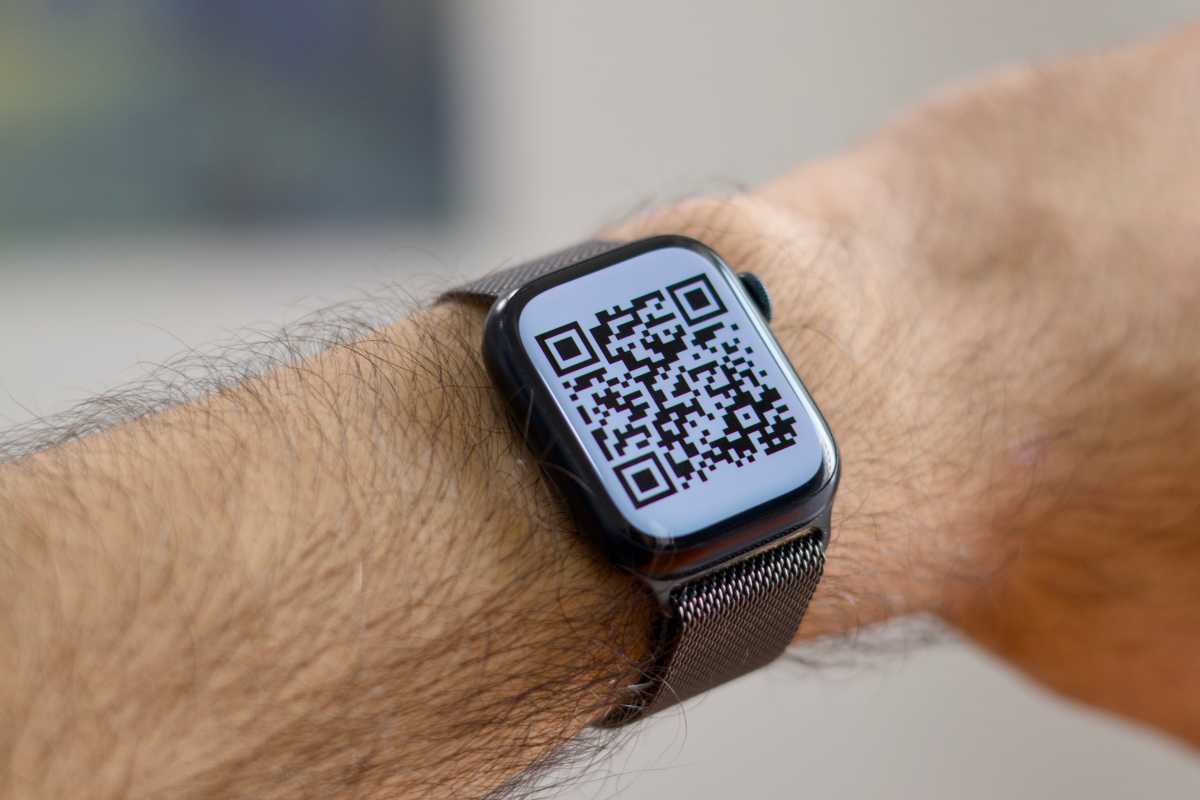
Beyond convenience, the Apple Watch offers unexpected utility. You can add any QR code – gym membership, cinema ticket, even airline boarding pass – directly to your Wallet app using a third-party app on your iPhone. Double-click the side button, and your watch becomes your key, streamlining access and eliminating the need to fumble with paper or your phone.
Don’t have your iPhone nearby? Wi-Fi-enabled Apple Watches can still send and receive iMessages and make FaceTime audio calls. Simply connect to a Wi-Fi network through your watch’s settings, and stay connected even when your iPhone is off or out of reach – a crucial feature in emergencies.
Believe it or not, you can even browse the web on your wrist. iMessage yourself a link, open it on your Apple Watch, and a simplified Safari experience appears. While not ideal for lengthy articles, it’s surprisingly useful for quick lookups or checking a link on the go.
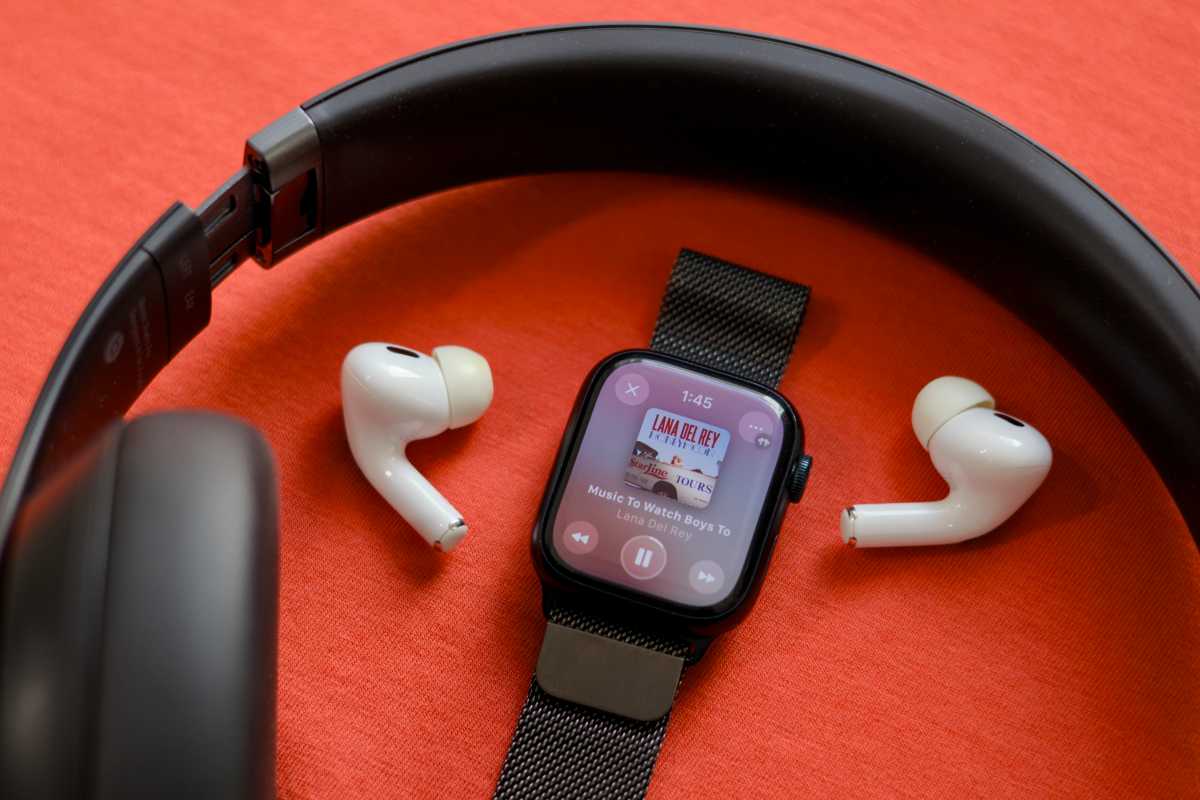
Leave your phone behind and still enjoy your music. Pair AirPods or Bluetooth headphones directly to your Apple Watch, and stream from Apple Music or Spotify – even download playlists for offline listening. Perfect for runs or workouts where carrying a phone is cumbersome.
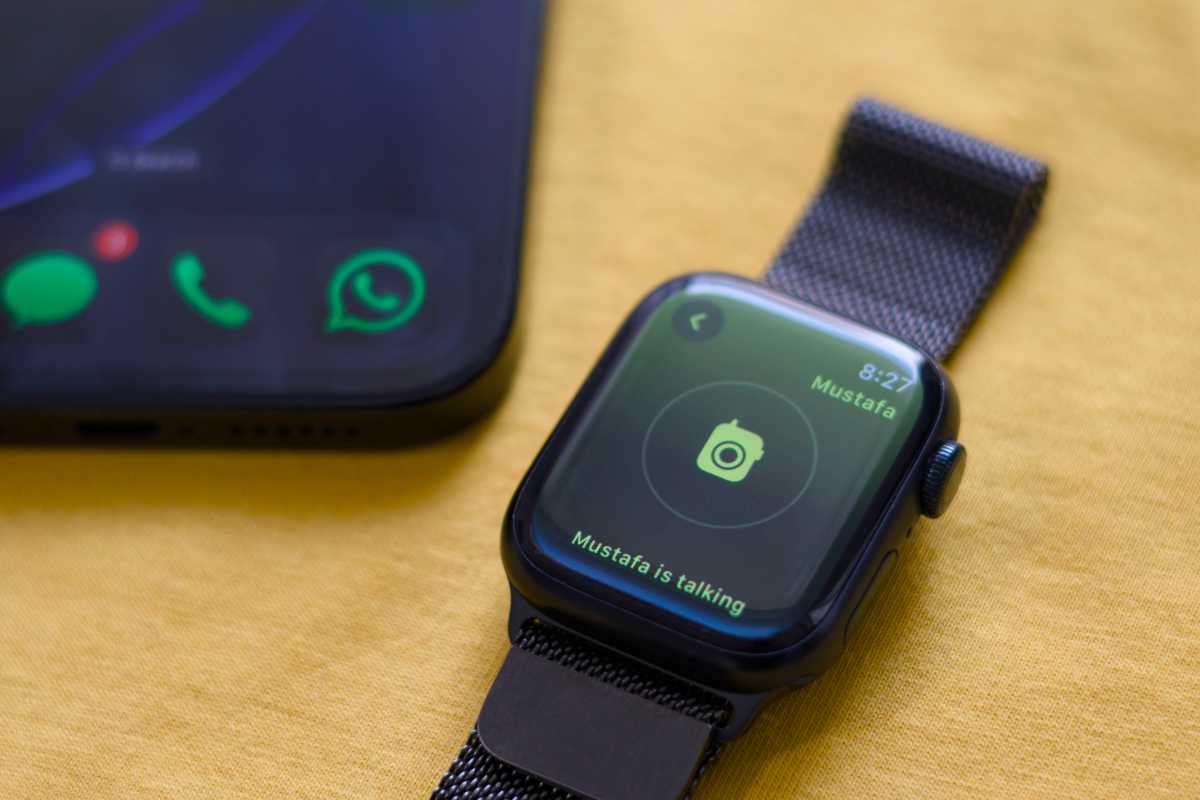
For instant, voice-based communication, explore Walkie-Talkie. This built-in app lets you connect with other Apple Watch users in real-time, like a modern walkie-talkie. It’s ideal for quick questions or staying in touch with close friends and family.
Need to know the time without looking? Enable “Speak Time” in the Clock settings. Simply hold two fingers on the watch face, and your Apple Watch will audibly announce the current time – a subtle convenience for those early mornings.
Finally, for solo photographers, the Apple Watch transforms into a remote viewfinder for your iPhone’s camera. Frame your shot, adjust the zoom, and snap the picture, all from your wrist. It’s the perfect solution for selfies and capturing moments when you’re alone.
The Apple Watch has evolved. It’s no longer simply an accessory; it’s a capable extension of your digital life. While the iPhone remains central, the Apple Watch offers a surprising level of independence and convenience, connecting you to what matters most, even when your phone isn’t within reach.
From calculating tips with the built-in calculator to unlocking doors and controlling your home, the possibilities are vast. It’s a testament to the power of wearable technology, and a reminder that there’s always more to discover on the device you wear every day.