
iOS 26 arrived amidst a wave of debate, largely focused on its radical new Liquid Glass user interface. Initial reports suggested a slower adoption rate than usual, leaving many wondering if the change was worth it. But dismissing this update outright could be a mistake.
The initial release had its share of hiccups, but a series of updates have already addressed early bugs, significantly improved battery performance, and granted users greater control over the Liquid Glass experience. More importantly, iOS 26 delivers vital security enhancements unavailable on older versions – a critical consideration for protecting your data.
Change can be unsettling, especially when it alters something as familiar as your phone’s interface. Liquid Glass, with its unique transparency, can feel jarring at first. However, most users find their eyes adjust quickly, and the new aesthetic becomes the norm.
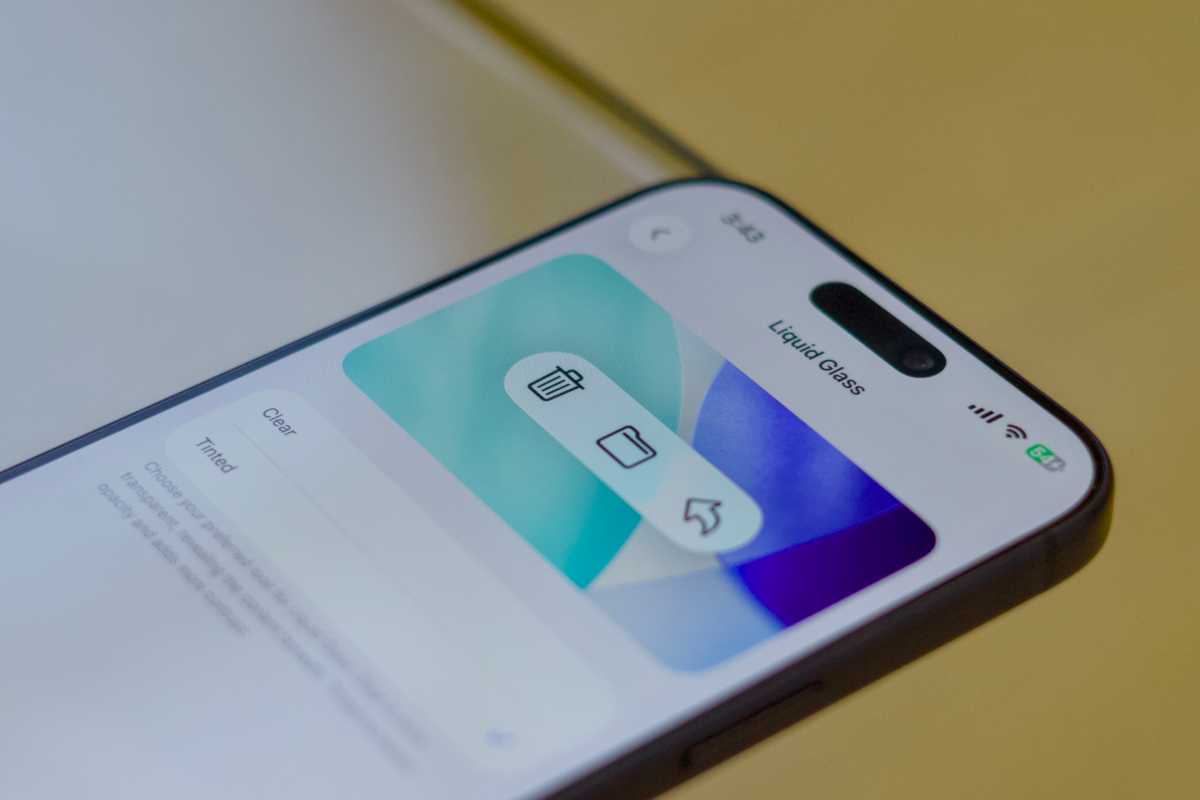
If the transparency of Liquid Glass bothers you, it’s easily adjustable. Navigate to Settings > Display & Brightness > Liquid Glass to choose between the “Clear” look, emphasizing the new design, or the “Tinted” option, which adds contrast for improved readability.
Even with the “Tinted” option, you can further refine the appearance. Head to Settings > Accessibility > Display & Text Size and toggle on “Increase Contrast.” This will give the glassy elements a more solid, familiar look, reminiscent of iOS 18.
A common concern with new iOS releases is battery drain and performance slowdowns. While a temporary dip is common, it’s rarely permanent. When you update, your iPhone reindexes data and runs background processes, consuming extra power. These tasks typically complete within a few days, restoring normal battery life.
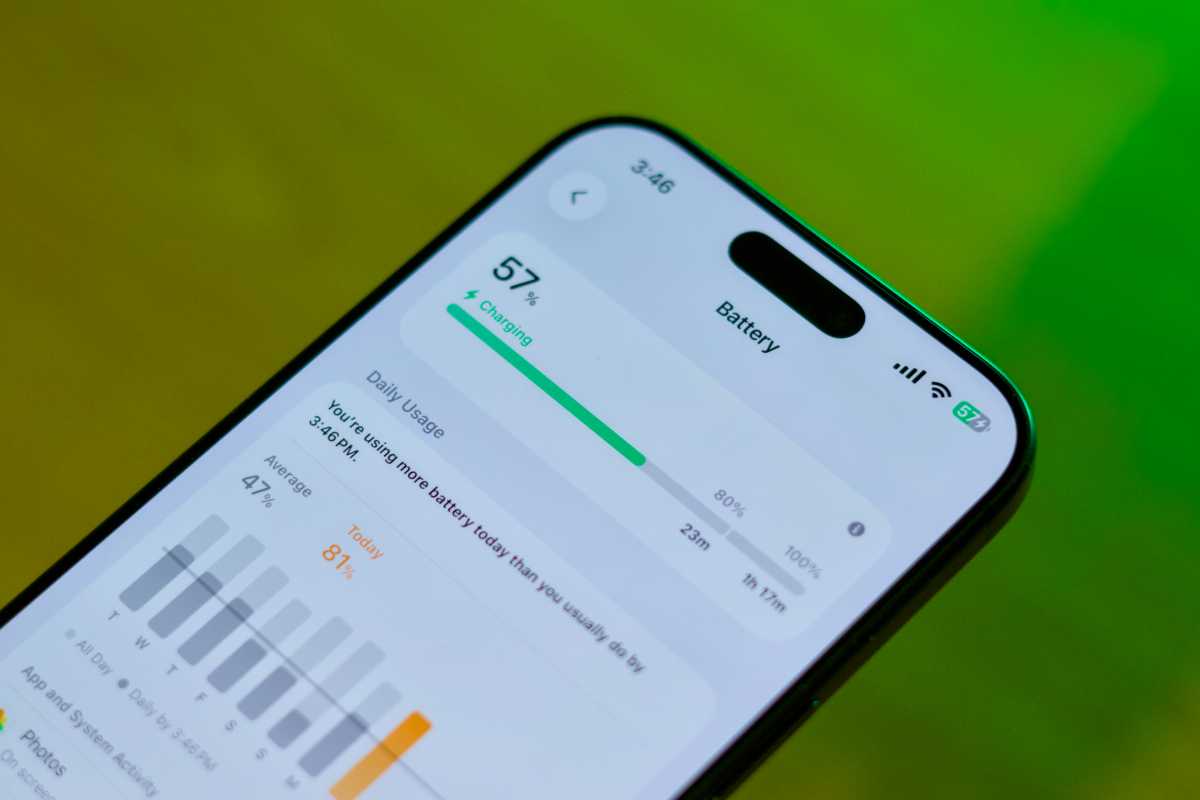
Increased usage immediately following an update also contributes to perceived battery drain as users explore the new features. Don’t panic – your battery life will likely return to normal with continued use.
Apple strategically manages performance to ensure a smooth experience across all supported devices. Power-hungry features are restricted to newer iPhones, preventing slowdowns on older models running the latest OS. This ensures fluid performance even on older hardware.
Beyond the visual overhaul, iOS 26 introduces a wealth of practical new features. These include tools to manage incoming calls, translate speech in real-time, filter spam, and enhance your messaging experience with conversation backgrounds and inline translations.
Apple Maps now offers preferred routes, a dedicated Games app simplifies discovering new titles and in-app events, and Apple Music boasts lyric translations and AI-powered AutoMix transitions. Staying on older software means missing out on these increasingly intelligent features.
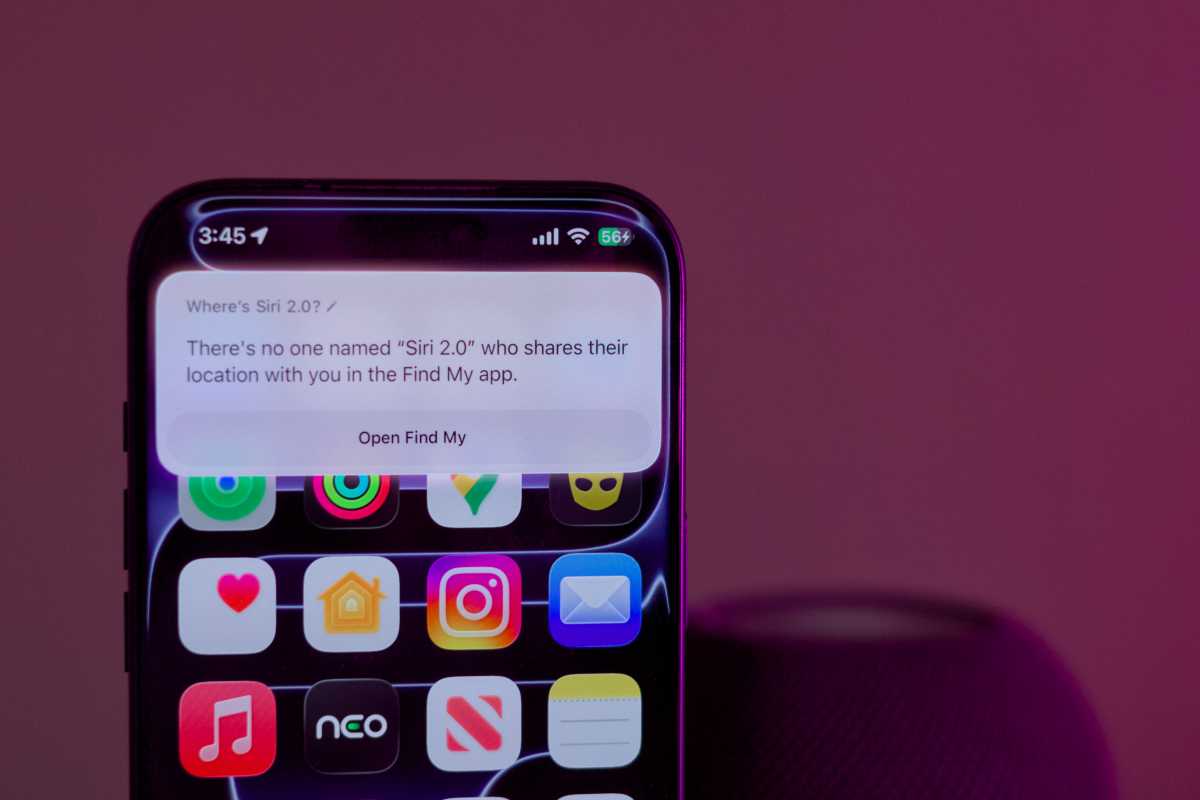
The future holds even more promise. The upcoming iOS 26.4 update is expected to deliver Siri 2.0, powered by Google Gemini’s infrastructure. This will result in more accurate responses, reliable task completion, and seamless voice control of apps.
For those frustrated with Siri’s current limitations, this upgrade is a game-changer. Siri 2.0 promises to be the most significant improvement to the virtual assistant in years, and it’s exclusive to iOS 26.
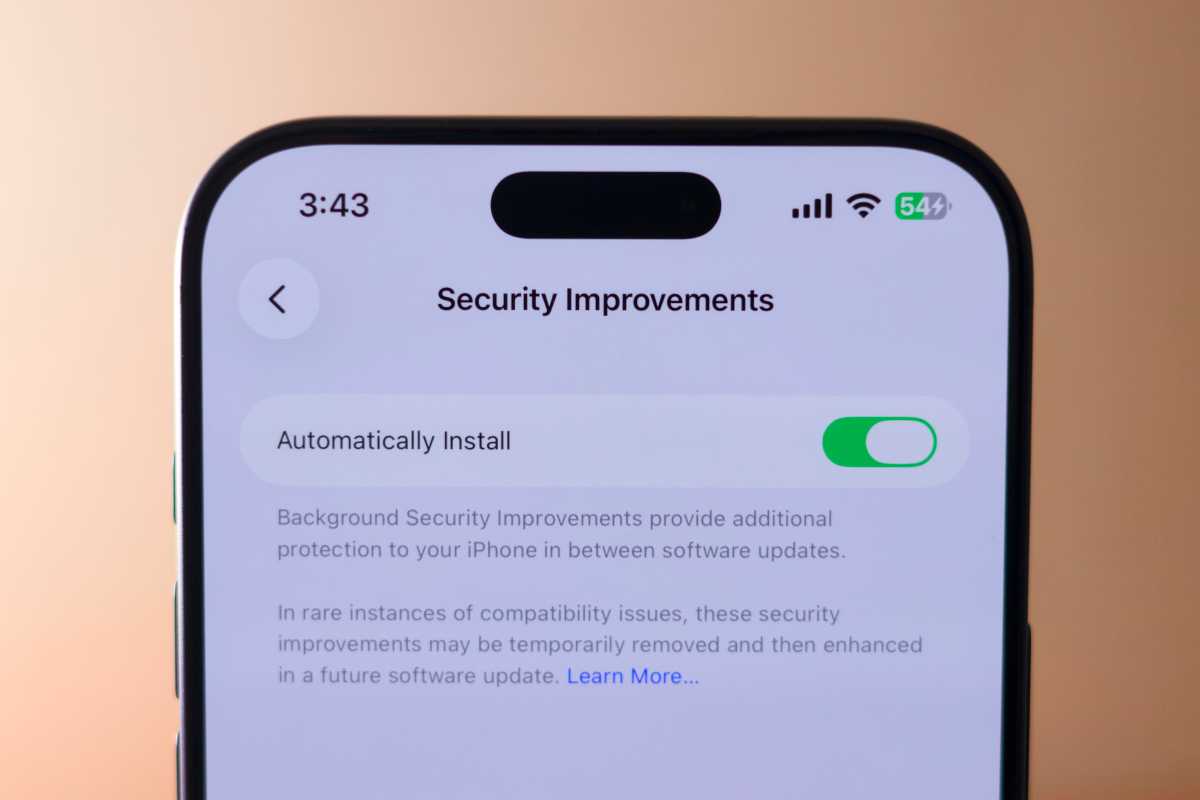
While new features are appealing, the most compelling reason to upgrade is security. iOS updates consistently address vulnerabilities that could compromise your iPhone’s data and privacy.
Apple has shifted its security update policy, now prioritizing newer operating systems. Older versions, like iOS 18, may no longer receive critical security patches, leaving your device vulnerable to exploitation.
To update, simply go to Settings > General > Software Update and tap “Update Now.” Read the terms of service, and ensure your iPhone remains connected to a power source throughout the installation process.


